
Mojicast Mojicast 日本語 Download
Real-time captions for live streams

You talk.
Captions appear.

Mojicast turns your voice into on-screen captions as you speak, ready to drop into OBS. Viewers watching on mute or who are deaf or hard of hearing can follow along, and translations carry your words to viewers abroad. It all runs on your own PC, so it's free and your voice never leaves your machine.

Free Works offline Windows / Mac OBS & VRChat

Built for Japanese speech, with a multilingual mode for Chinese, English, Korean and Cantonese.
Latest v1.2.0 (Nov 11, 2026) · Windows 10 / 11, Mac (Apple Silicon) · App available in English

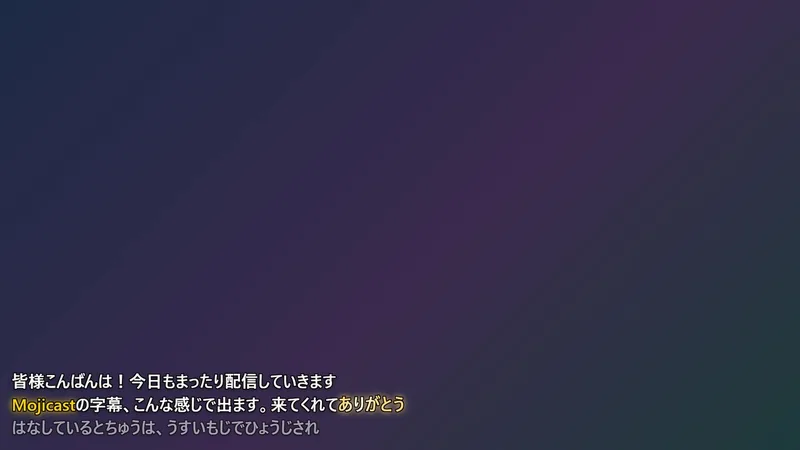
Captions appear while you're still talking. When you finish, punctuation and an English translation are added. (Shown: Japanese speech with English translation.)

Streams with Mojicast captions

We check YouTube and Twitch live streams every 20 minutes

No one's live right now Streams using Mojicast show up here once they go live.

Your stream can show up here too. Mention “Mojicast” in your stream title or description on YouTube, or in your stream title or tags on Twitch, and your stream appears in this list while you're live.

Captions: Mojicast https://ishiki-emo.com/mojicast/en/
STREAMERS

Channels using Mojicast

Some of the channels that use Mojicast on their streams.

Channels that have used Mojicast in 3 or more live streams will appear here automatically.

We count YouTube live streams that mention “Mojicast” in the title or description, and Twitch live streams that mention it in the title or tags. On Twitch we look through the biggest streams first, so smaller streams may be missed. If you use Mojicast and don't see your channel here, send us your channel URL on X or Discord. You can also ask there to have your channel removed.

FEATURES

Everything for captions, in one app.

Japanese captions as you speak

A speech recognition model built for Japanese puts captions on screen while you're still talking. Punctuation is added automatically, and numbers are tidied up so they're easy to read.

三十五 → 35 / 一万五千円 → 1万5000円

Streaming in another language? Switch to the multilingual model to caption Chinese, English, Korean or Cantonese speech. It's lighter on your CPU, too.
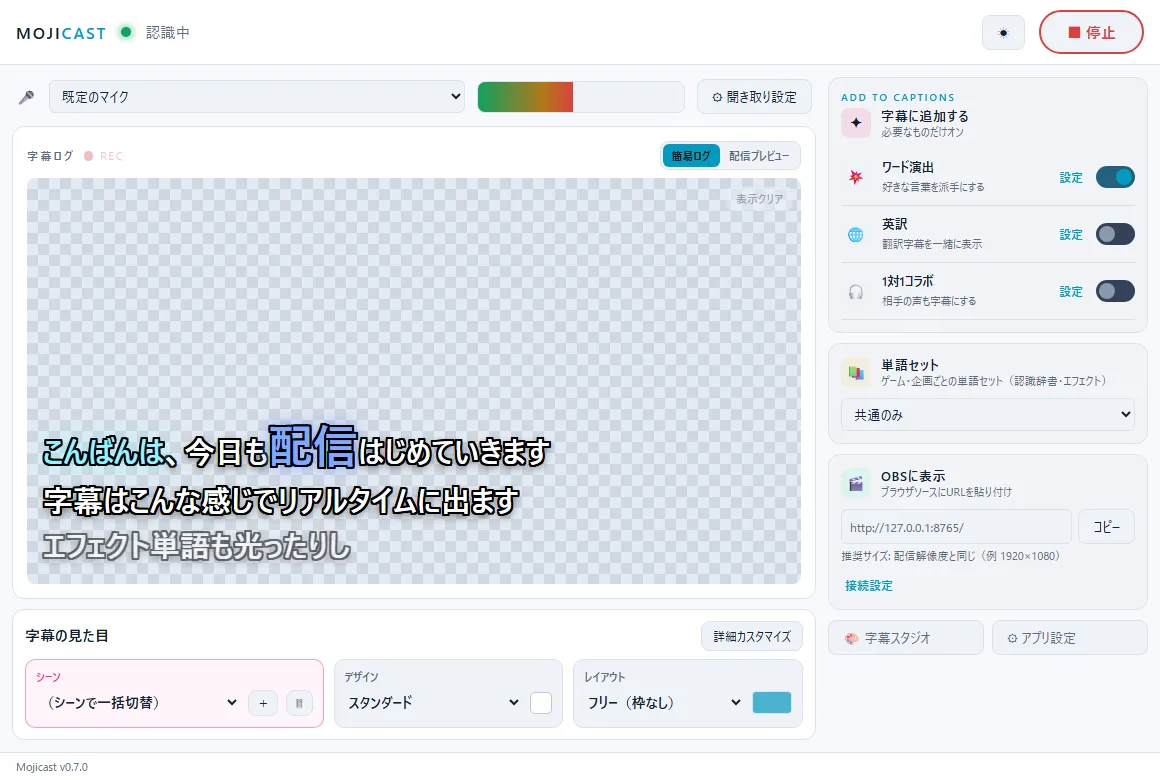
The main Mojicast screen, with caption style options next to a stream preview

Up to 3 translations at once

Show translations under your captions for viewers abroad, or hide the original and show only the translation. Translation runs on a small local model, so expect useful rather than perfect results.

English简体中文繁體中文 (Taiwan / Hong Kong)한국어Bahasa Indonesia日本語

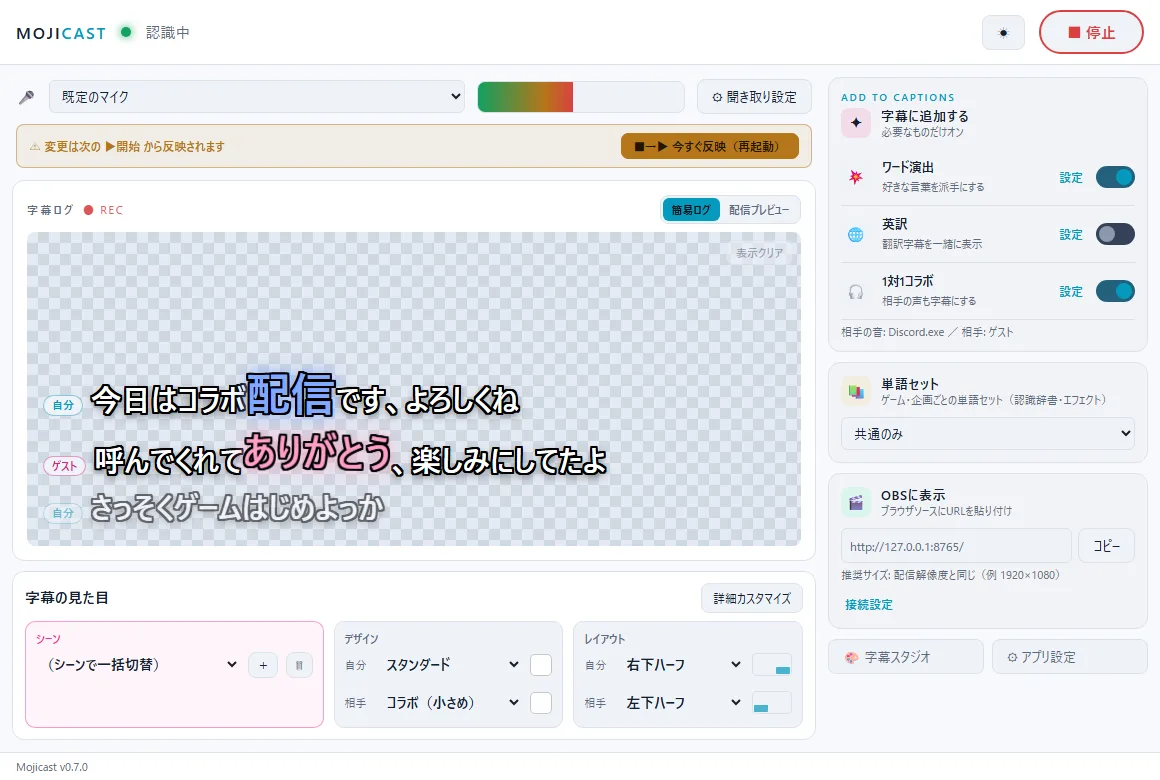
Caption your collab partner too

Mojicast picks up only the audio from Discord or another call app and captions your partner's voice. Your partner doesn't need to install anything, and you don't need a virtual audio cable. (Windows)

The main screen during a collab, with separate caption styles for you and your partner

Teach it names and game terms

Register your name or move names so they come out right. Keep separate word sets for chatting and gaming, and import thousands of words at once from a CSV file.

Sparkles on “thank you”

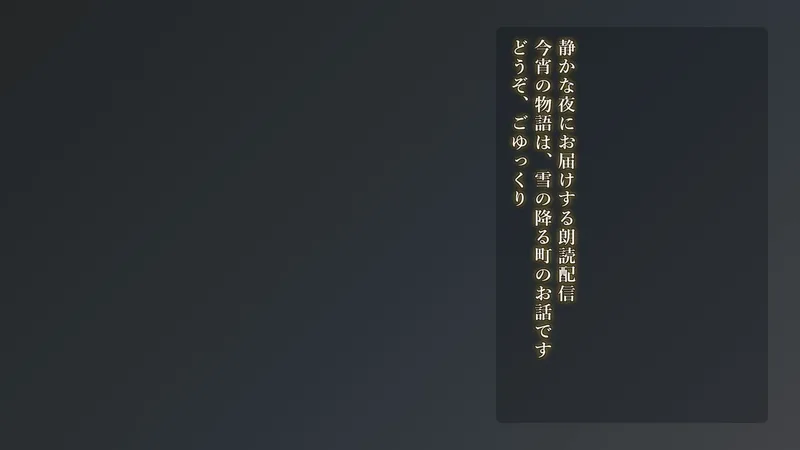
Give chosen words their own color and motion, or send particles flying when you say them. There's also a lyric-style layout for singing streams.

One URL into OBS

Add the URL as a browser source and the captions sit on top of your stream with a transparent background. Check how they look at your stream's exact size before you go live.

VRChat chatbox, too

Send captions or translations to the chatbox above your avatar in VRChat. Useful for conversations and event talks, even when you're not streaming.

Your voice stays on your PC

Recognition and translation both run on your own computer. Nothing is sent online, so there's no subscription and no character limit.

A transcript after every stream

Save your captions to a log and use it for clips, looking back on a stream, or drafting your video description.

GET STARTED

Captions on your stream in 3 steps.

Download and install

On Windows, run the installer (setup.exe). No admin rights needed. On Mac, drag Mojicast from the dmg into your Applications folder.

Pick your mic and press ▶ Start

Start talking and the captions start moving on screen.

The first time you press ▶ Start, Mojicast downloads its AI models (about 1.2 GB). After that, it works without an internet connection.

Add the URL as an OBS browser source

http://localhost:8765

Adjust the caption position and size in Mojicast's stream preview.

Download from GitHub (free) Download on BOOTH Both have the same app. Mojicast lets you know inside the app when a new version is out.
CAPTION STYLES

Dress your captions to match your stream.

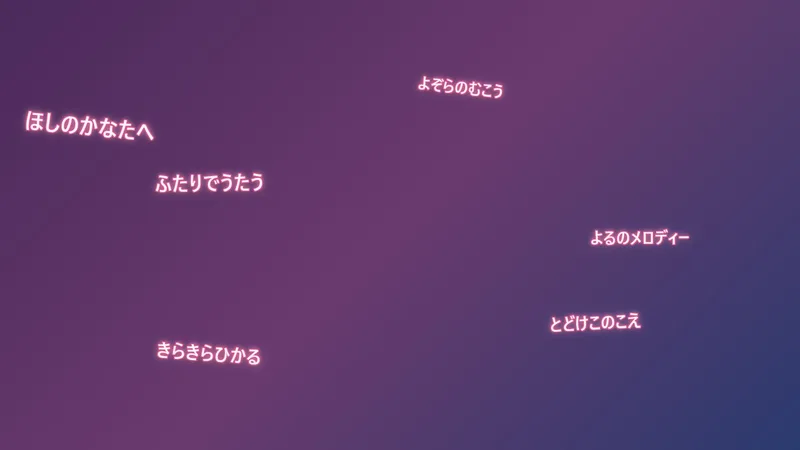
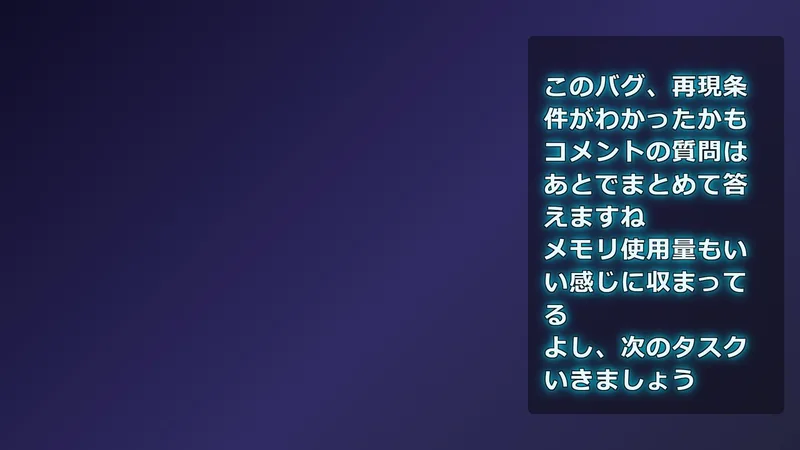
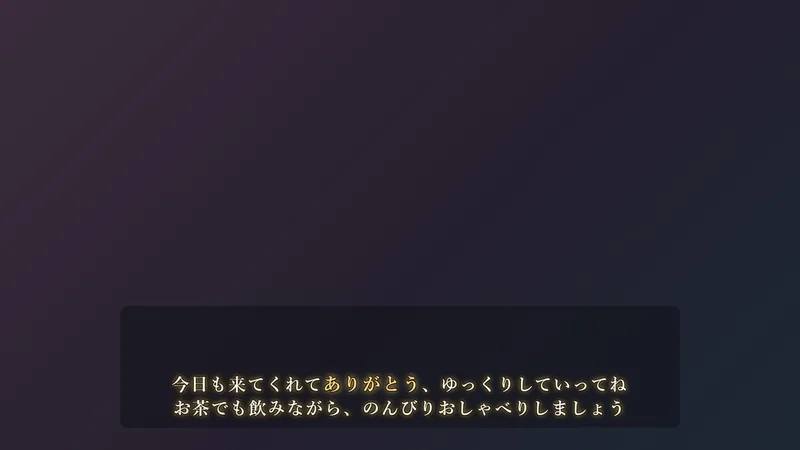
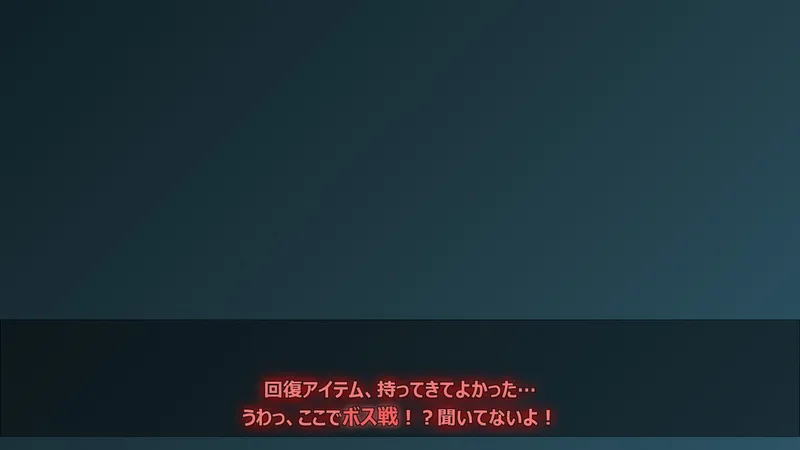
Pick a ready-made design, or build your own font, colors, outline and position. Share your designs, or get other people's, as .mojipack files.

UPDATES

Lighter and handier with every release.

v1.2.0

Counters, 3D captions and Stream Deck support

Show how many times you said a word or laughed, right on stream. It can also count the seconds you have been silent, a handy hint when you forget to unmute. Captions can now tilt like a wall or floor, and a plugin lets you control Mojicast from Stream Deck.

v1.1.0

Ask an AI to restyle your captions

Tell Claude, ChatGPT (Codex) or Gemini (Antigravity) “make the outline pink” or “add sparkles to this word,” and the settings change. You can also choose how readily short replies are picked up, in 5 steps. Setup guide (Japanese) →

v1.0.0

A redesigned app and manga-style speech bubbles

Bubbles point their tails at your avatar, in 4 shapes, horizontal or vertical. Portuguese and Spanish join the translation targets, and you can switch back to the old screens anytime.

See all release notes on GitHub (Japanese) →

FROM THE MAKER
“I want to turn voice into text.” “I want to get past language barriers.” Mojicast packs those goals into an app any streamer can use for free.

It started in 2021. More listeners were joining from overseas, but I barely spoke English. I wrote about the experiments that led to Mojicast on note.

Read the story behind Mojicast on note (Japanese) →

THE DETAILS

How it works, requirements and license

System requirementsWill it run on my PC?
MinimumRecommended
OSWindows 10 version 2004 or later (64-bit) / macOS (Apple Silicon)Windows 11
CPU4 cores / 8 threads with AVX2 (a 2017-or-later Core i5 / Ryzen 5 or equivalent)Ryzen 7000 / 9000, Intel 12th gen or later
Memory8 GB16 GB
Storage5 GB freeSSD

CPU generation matters more than core count. If things feel heavy, switch the recognition model to “Multilingual” in the app settings to cut the load to about a third. When you run OBS at the same time, GPU encoding (NVENC / AMF) is recommended.

How it worksThe technical side
Mic→Voice detectionSilero VAD→Speech recognitionReazonSpeech k2→Word replacement→Number formatting→PunctuationJapanese BERT→TranslationFuguMT / M2M-100→OBS
StepModelRuntime
Speech recognition (Japanese) and voice detectionReazonSpeech k2 v2 / Silero VADsherpa-onnx
Speech recognition (multilingual)SenseVoice small (Chinese, English, Japanese, Korean, Cantonese)sherpa-onnx
PunctuationJapanese BERT (converted to ONNX)ONNX Runtime
Japanese → EnglishFuguMT ja-en (converted for CTranslate2)CTranslate2
Other translationM2M-100 418M (int8) + OpenCCCTranslate2

Mojicast doesn't use heavy libraries like PyTorch; it runs on lightweight runtimes only. The app is a desktop window plus a local HTTP server, and the same server provides the captions for OBS. Measurements are in the technical guide and the local translation report (both in Japanese).

Your voice and privacyIs anything sent anywhere?
  • Neither audio nor text is sent to any outside server. Recognition, punctuation and translation all run on your PC.
  • Mojicast only goes online to download the AI models the first time, and to check whether a new version is out.
  • Collab captions turn your partner's voice into captions and save them to the log. Please get your partner's consent before using it.
  • See the privacy policy for details.
License, credits and disclaimer
  • The app's code is under the MIT License. The AI models, libraries and fonts it uses follow their own licenses (CREDITS.md). The FuguMT translation model is CC BY-SA 4.0.
  • Speech recognition, translation and word masking are not perfect, and wrong captions can appear. Please double-check important moments yourself.
  • Provided as is, with no warranty. Mojicast is under active development, so features may change without notice.
  • OBS, Discord, VRChat, ReazonSpeech and other names belong to their respective owners. This project is not affiliated with them.
Code signing policyWill the download warning go away?
  • We have applied to SignPath Foundation for free code signing of the Windows build (November 2026). Once approved, Windows SmartScreen should warn less often. Releases up to v1.2.0 are not signed.
  • Only the Windows app and installer built from this project's source by GitHub Actions are signed, and every signing request is approved manually by the author.
  • Read the full code signing policy on GitHub.